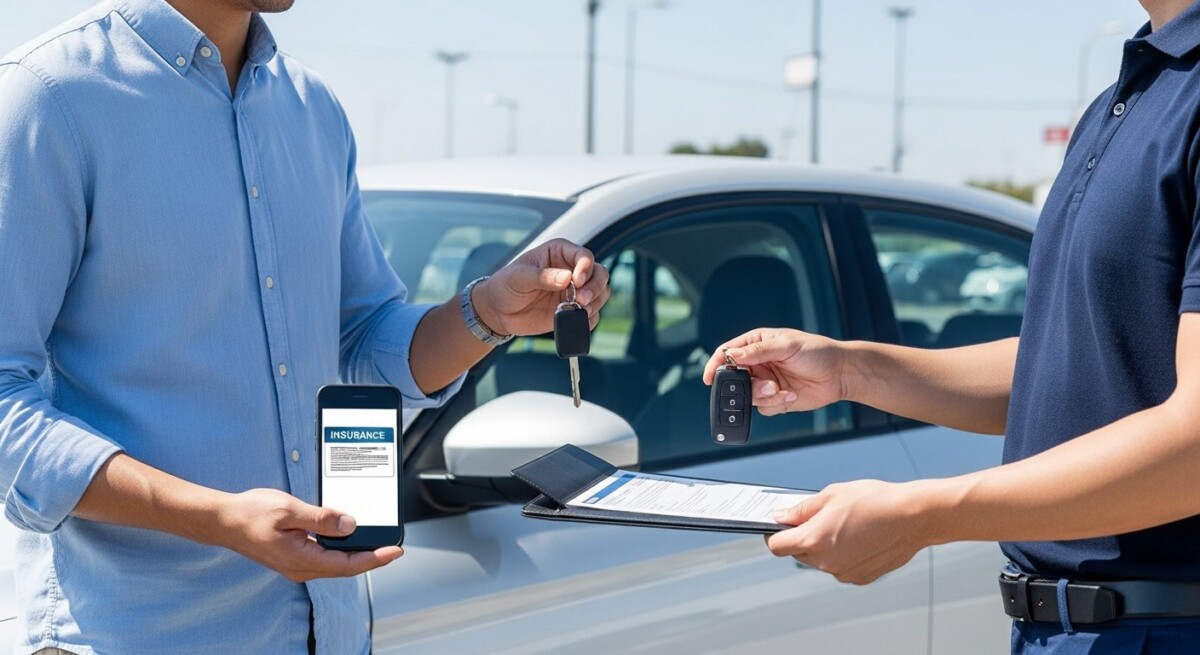
Imagine you just bought a new car, or perhaps you are switching providers to save money. The dealer or your lender asks for proof of insurance before you can drive off the lot. In the past, this meant waiting for a paper card to arrive in the mail. Today, you can get proof of insurance online in seconds. Whether you need an ID card for your wallet, a binder for a mortgage, or a digital copy for your phone, the process is faster and easier than ever. This guide walks you through every method available, explains the types of proof you might need, and shows you how to avoid common pitfalls.
What Is Proof of Insurance and Why Do You Need It?
Proof of insurance is a document that verifies you have an active auto insurance policy. It typically includes your name, policy number, coverage dates, vehicle information, and the insurer’s contact details. Most states require drivers to carry this proof whenever they are behind the wheel. If you are pulled over by law enforcement or involved in an accident, you must present it on demand. Failing to show valid proof can result in fines, license suspension, or even vehicle impoundment.
Beyond legal compliance, you need proof of insurance for other important situations. When you lease or finance a vehicle, the lender requires evidence of comprehensive and collision coverage. If you rent a car, the rental agency may ask for your insurance card before handing over the keys. Even registering a vehicle at the DMV often requires current proof. Understanding how to get proof of insurance online ensures you are never caught without this critical document.
Key Methods to Get Proof of Insurance Online
Most major insurance companies offer multiple digital channels to access your proof. The method you choose depends on your preference and the urgency of your need. Below are the most common ways.
1. Download Your Insurance ID Card from the Insurer’s Website
The simplest method is logging into your insurance company’s website. After you sign in, look for a section labeled “Documents,” “ID Cards,” or “Proof of Insurance.” Most carriers allow you to view and download a PDF version of your current ID card. You can then save it to your computer, email it to yourself, or print a physical copy. This method works well if you have access to a computer and a printer.
2. Use the Insurer’s Mobile App
Nearly every major auto insurer offers a free mobile app. After downloading the app and logging in, you can access your digital ID card instantly. Many apps allow you to save a copy to your phone’s wallet or gallery for offline access. Some even provide a scannable QR code that law enforcement can scan to verify your coverage. This is the fastest way to get proof of insurance online while on the go.
3. Request a Digital Copy via Email or Text
If you cannot log into a website or app, many insurers let you request a digital copy through their automated phone system or live chat. You provide your policy number and email address, and they send a secure link to download your ID card. Some companies also offer a text-to-card feature where you receive a link directly to your phone. This is a good fallback if you are away from your computer.
4. Contact Your Agent or Customer Service
If self-service options are not working, call your insurance agent or the company’s customer service line. A representative can email a copy of your proof of insurance or guide you through the digital process. Keep your policy number handy to speed up the call. This method is helpful for older adults or anyone who prefers personal assistance.
What Types of Proof Can You Get Online?
Not all proof of insurance documents are the same. Depending on your situation, you might need one of the following:
- Insurance ID Card: The standard document for your wallet or glove compartment. It shows basic policy details and is accepted by law enforcement.
- Insurance Binder: A temporary document issued when you start a new policy. It provides immediate proof until your permanent ID card arrives.
- Declarations Page: A detailed summary of your coverage limits, deductibles, and endorsements. Lenders and landlords often require this for financing or renting.
- Certificate of Insurance: A formal document used for business or commercial policies. It confirms coverage for third parties like contractors or property managers.
When you get proof of insurance online, confirm which type you need. For example, a lender may reject a simple ID card and demand a declarations page. Most insurer portals let you download all these documents from the same dashboard.
Step-by-Step Guide to Downloading Your Proof of Insurance
Follow these steps to get proof of insurance online from most major carriers:
- Log into your account: Visit your insurer’s website or open their app. Enter your username and password. If you have not registered, use your policy number and personal details to create an account.
- Navigate to the documents section: Look for tabs like “My Policy,” “Documents,” or “ID Cards.” On mobile apps, this is often under a menu icon or a “Profile” tab.
- Select the correct policy: If you have multiple vehicles or policies, choose the one you need proof for. Confirm the effective dates show the coverage is active.
- Download or save the file: Click “Download PDF” or “Add to Wallet.” For Apple Wallet or Google Pay, the app will guide you through saving a digital copy.
- Store it safely: Save the file to a folder on your phone, email it to yourself, or print a paper backup. Keep a digital copy in a cloud service like Google Drive for extra security.
For a deeper understanding of timing, check out our guide on how long it takes to get proof of insurance. This article explains processing times for new policies and renewals.
Common Challenges and How to Solve Them
While digital access is convenient, you might face a few hurdles. Here are the most common issues and their fixes:
Forgot your password? Use the “Forgot Password” link on the login page. You will receive a reset link via email or text. If you cannot access your registered email, call customer service to verify your identity and reset it manually.
Policy is not showing up online? This often happens with brand new policies or after a recent change. Allow 24 to 48 hours for the system to update. If it still does not appear, your insurer may need to activate your online account manually.
Need proof for a different vehicle? If you have multiple cars on one policy, ensure you select the correct vehicle when downloading. Some portals default to the primary vehicle only.
Digital copy is not accepted? Some states or lenders require a physical, printed card. Print a copy at home or visit a library or print shop. Keep a paper backup in your glove compartment as a safety net.
How to Verify Your Proof of Insurance Is Valid
Before you rely on a digital document, verify that your coverage is active. Check the effective dates on the ID card. If your policy lapsed due to nonpayment, the card will not be valid. Most insurer portals show your payment status and next due date. You can also call your agent to confirm active coverage. Using outdated or invalid proof can lead to legal trouble, so always double-check.
Additionally, some states have electronic verification systems that law enforcement uses to check your status instantly. Even if you have a card, if your policy is canceled, the system will flag it. Stay current on premium payments to avoid surprises.
Benefits of Digital Proof Over Paper Cards
Switching to digital proof of insurance offers several advantages. First, you never lose it. Paper cards get crumpled, faded, or lost in the glove compartment. A digital copy lives on your phone, which you likely carry everywhere. Second, you can share it instantly. If you are in an accident, you can email your proof to the other driver or your agent right away. Third, it is eco-friendly. Reducing paper usage helps the environment and cuts down on clutter.
However, keep in mind that your phone battery could die. Always carry a backup, either a printed card in your wallet or a screenshot saved to your phone’s gallery. Many insurers now offer a combination of both digital and physical options, giving you flexibility.
Frequently Asked Questions
Is a digital insurance card legal in all states?
Yes, as of 2024, all 50 states and Washington D.C. accept digital proof of insurance on your smartphone. However, some states have specific requirements, such as the card must display the policy number clearly. Check your state’s DMV website for local rules.
Can I get proof of insurance online without logging into an account?
Some insurers allow you to request a digital copy via email by calling their automated system. You will need your policy number and personal information. A few companies also offer a guest portal where you can enter your details and download a one-time card.
What if I have a commercial auto policy?
Commercial policies often have different documentation. You can still get proof online through your insurer’s business portal. You may need a certificate of insurance instead of a standard ID card. Contact your agent if you are unsure.
How do I get proof of insurance online for a rental car?
If you are renting a car, you can use your personal auto insurance card if you have coverage for rentals. Alternatively, the rental company may offer their own insurance. Have your digital card ready when you pick up the vehicle.
Can I get proof of insurance online for a new policy immediately?
In most cases, yes. After you purchase a policy online, the insurer issues a temporary binder immediately. You can download it from the confirmation page or the email sent to you. Permanent ID cards may take 24 to 48 hours to appear in your account.
For more tips on finding affordable coverage, read our article on ways to discover the best rates for auto insurance online. It covers strategies to save money while maintaining proper coverage.
Final Thoughts
Knowing how to get proof of insurance online saves you time, stress, and potential legal fees. Whether you use a website, mobile app, or a quick call to your agent, the process is designed to be fast and reliable. Always keep a digital copy on your phone and a physical backup in your vehicle. Verify your coverage dates regularly to ensure your proof remains valid. With these tools at your disposal, you can drive with confidence knowing you are always prepared.